Blue Clover Test Agent PER-101
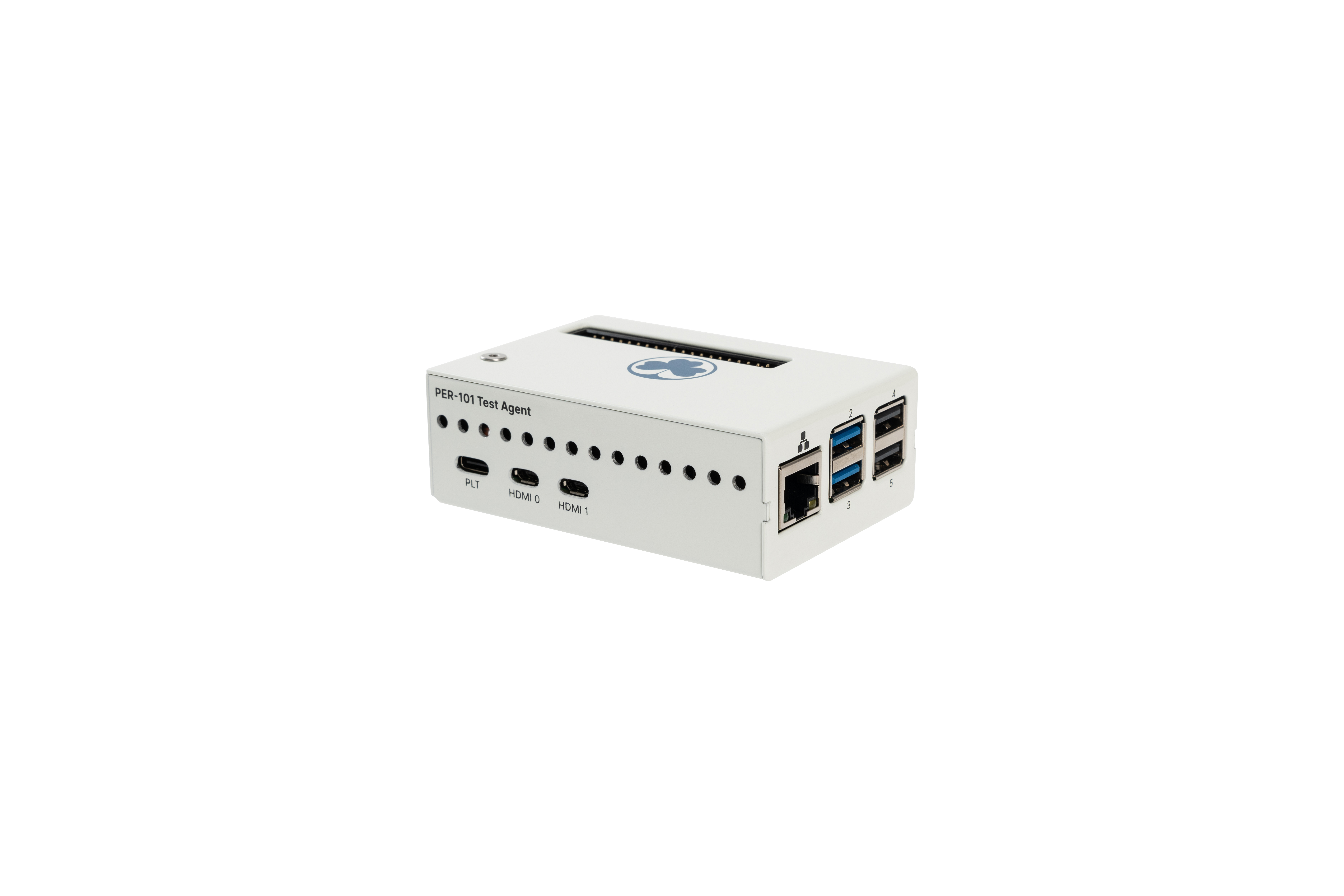
The PLT Test Agent (PER-101) is a Raspberry Pi 4B-based SBC that runs agentOS. It provides a PLT-controllable suite of programming tools and other DUT interaction capabilities that are more naturally expressed as shell commands than as PLT primitives.
To the PLT, the Test Agent appears as a composite USB gadget with a USB-CDC console, a USB Mass Storage RAMDISK, and, from agentOS v2.0.2, a USB network interface. Test plans drive it with the agentCfg - Configure Agent and agentExec - Execute command on Agent commands.
The tools available on the Test Agent are listed in agentOS.
Fixture Setup
Connect the Test Agent’s Type-C USB port to any of the PLT’s peripheral Type-A USB ports, or to a USB hub attached to one of those ports. This single cable carries the USB-CDC console, the USB Mass Storage RAMDISK, and the USB network interface.
Power the Test Agent externally, not from the PLT peripheral USB port.
Default USB Identity
The Test Agent enumerates with USB VID:PID 6666:8001. This is
also the default that agentCfg - Configure Agent
resolves when id: is omitted, so most test plans do not need to
specify it explicitly.
Quickstart
Configure the agent, transfer a script to its RAMDISK, and run it:
title: "Test DUT with PLT Test Agent"
suite:
 - title: "Setup Test Agent"
   steps:
    - command: agentCfg TA
      with:
       - myscript.py

 - title: "Run script on Test Agent"
   steps:
    - command: agentExec TA "python3 /run/pltagent/mnt/myscript.py"
Files listed under with: land on the Test Agent at
/run/pltagent/mnt.
Examples
Sample test plans that use a PLT Test Agent:
flashr-flash - Program a target through Flashr — programming over SWD through a Flashr PER-401 with
flashr-flash.Nordic nRF Util — Nordic nRF54 programming with
nrfutil.Nordic nRF Command Line Tools — Nordic nRF52 / nRF9160 modem programming with
nrfjprog.Segger J-Link Software — Segger J-Link Commander.
Segger Flasher Software — Segger Universal Flasher and FlasherControl.
NXP Secure Provisioning SDK — NXP Secure Provisioning SDK.
RPi Camera Module — Camera capture with
libcamera.